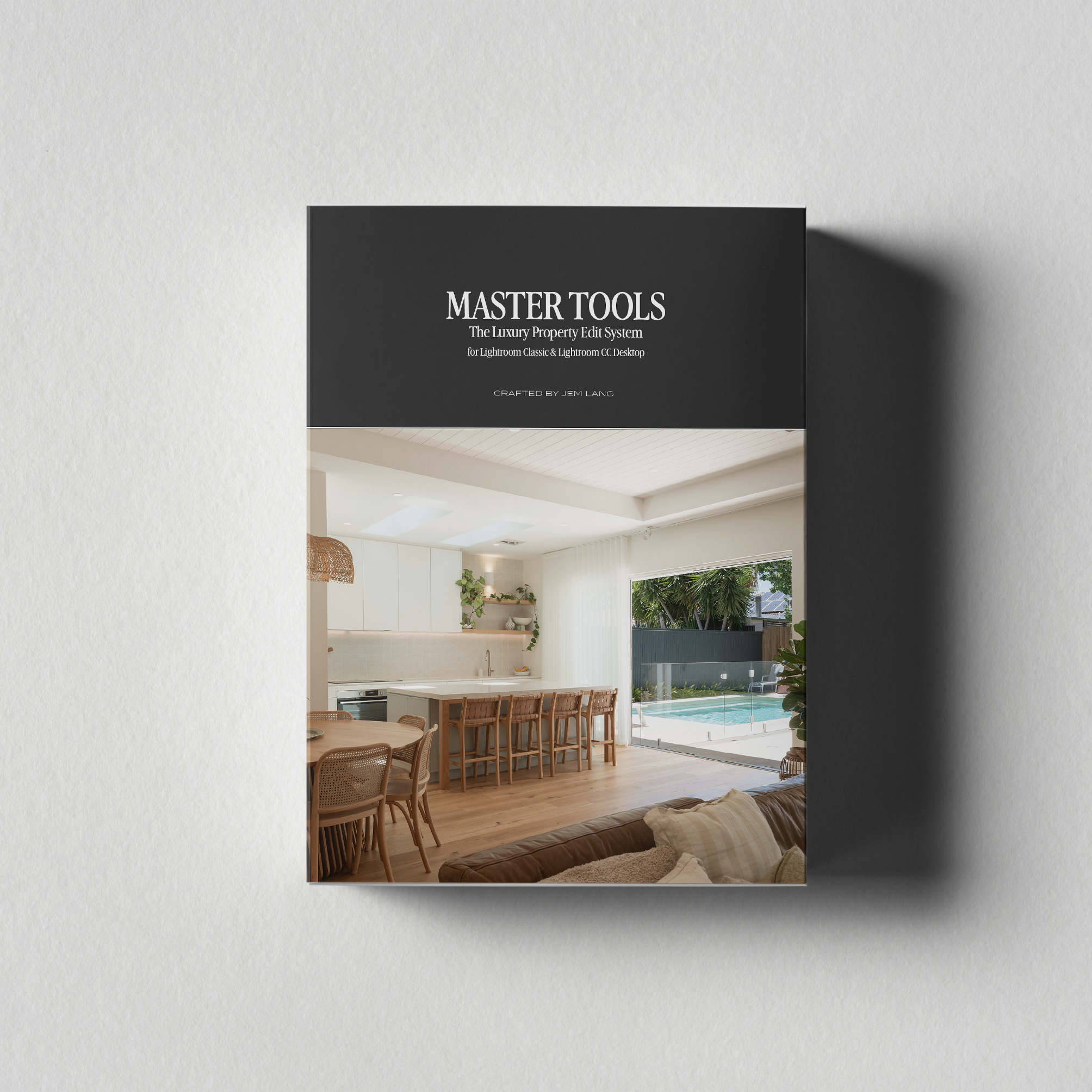
 Image 1 of 1
One system, every kind of light.
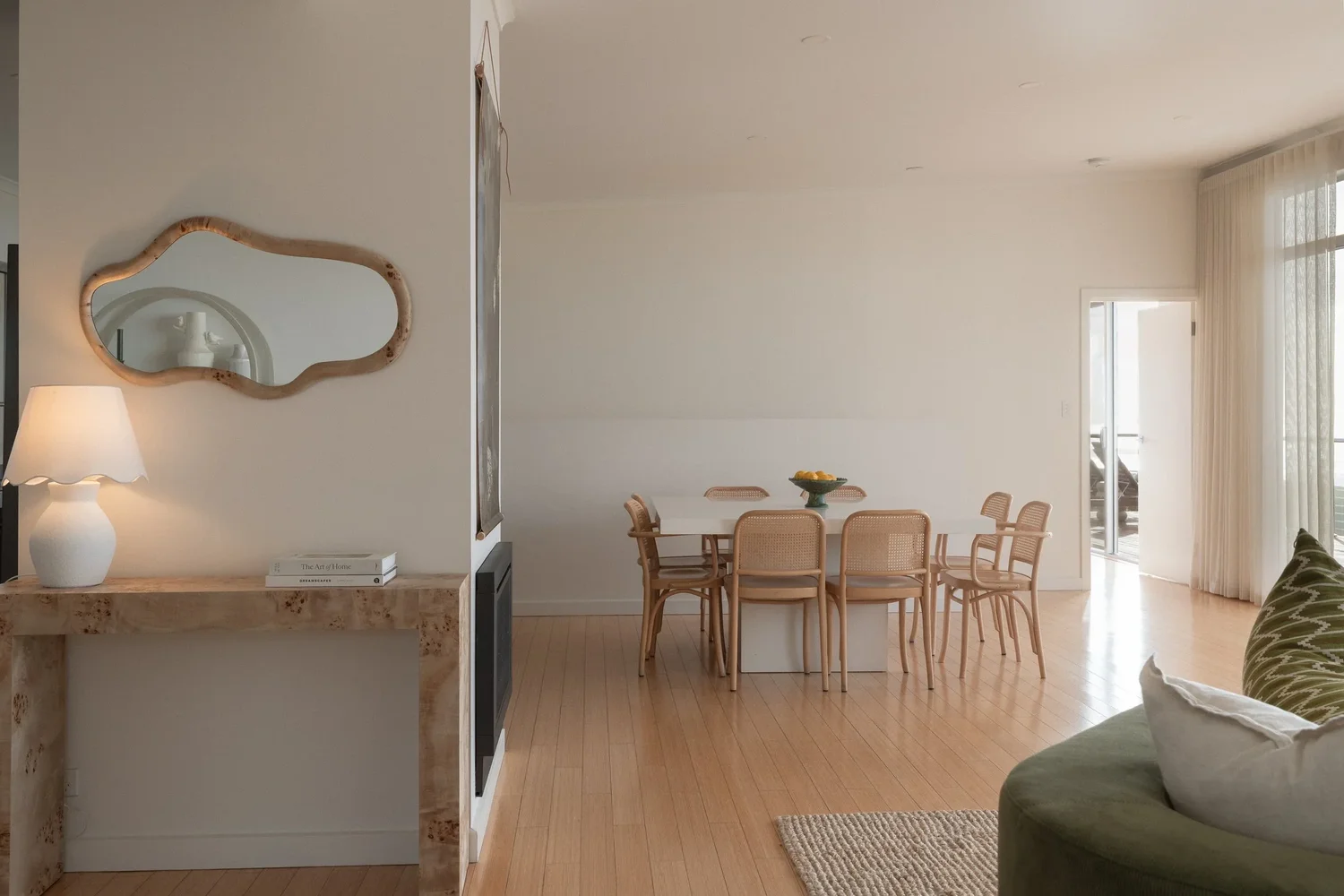
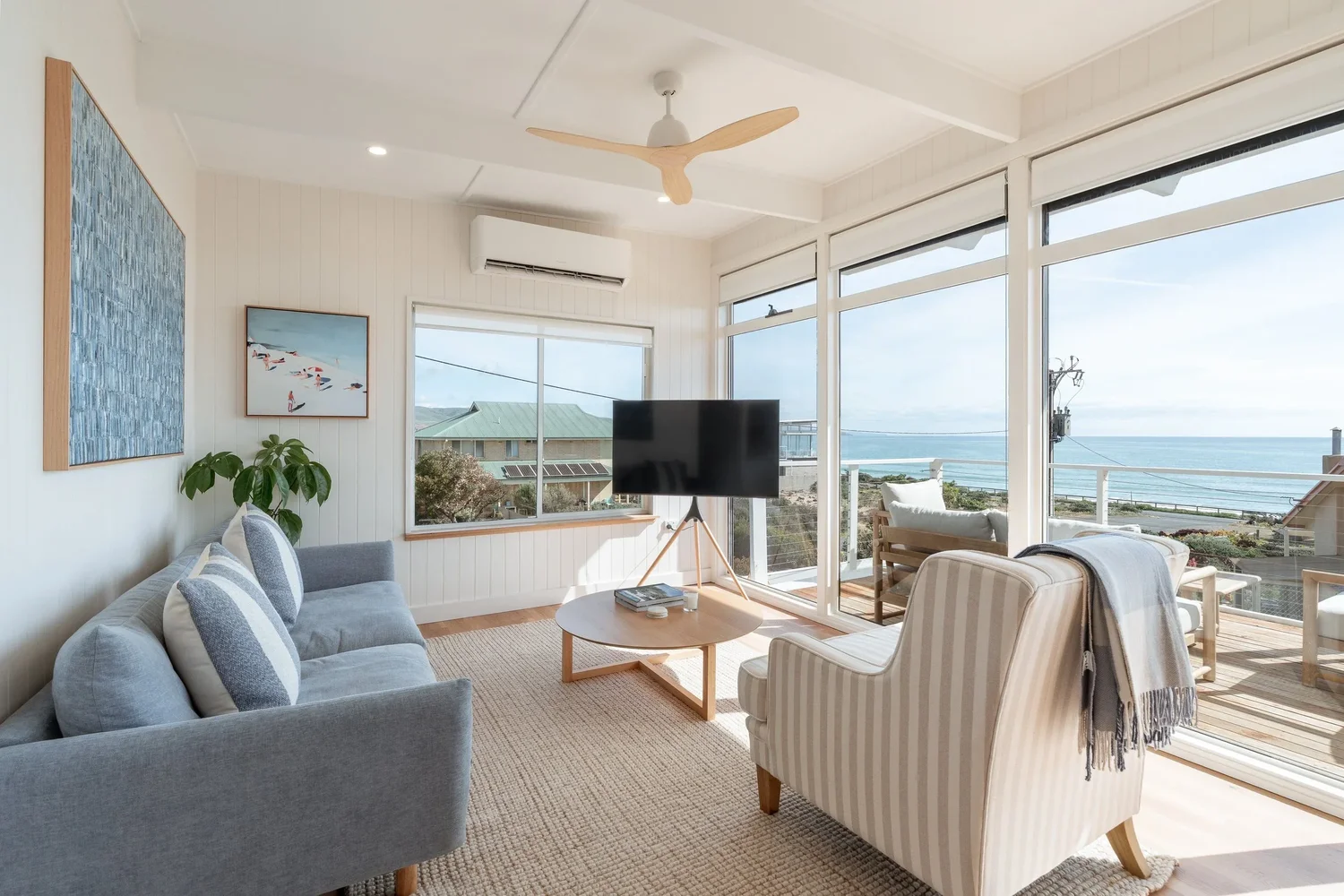
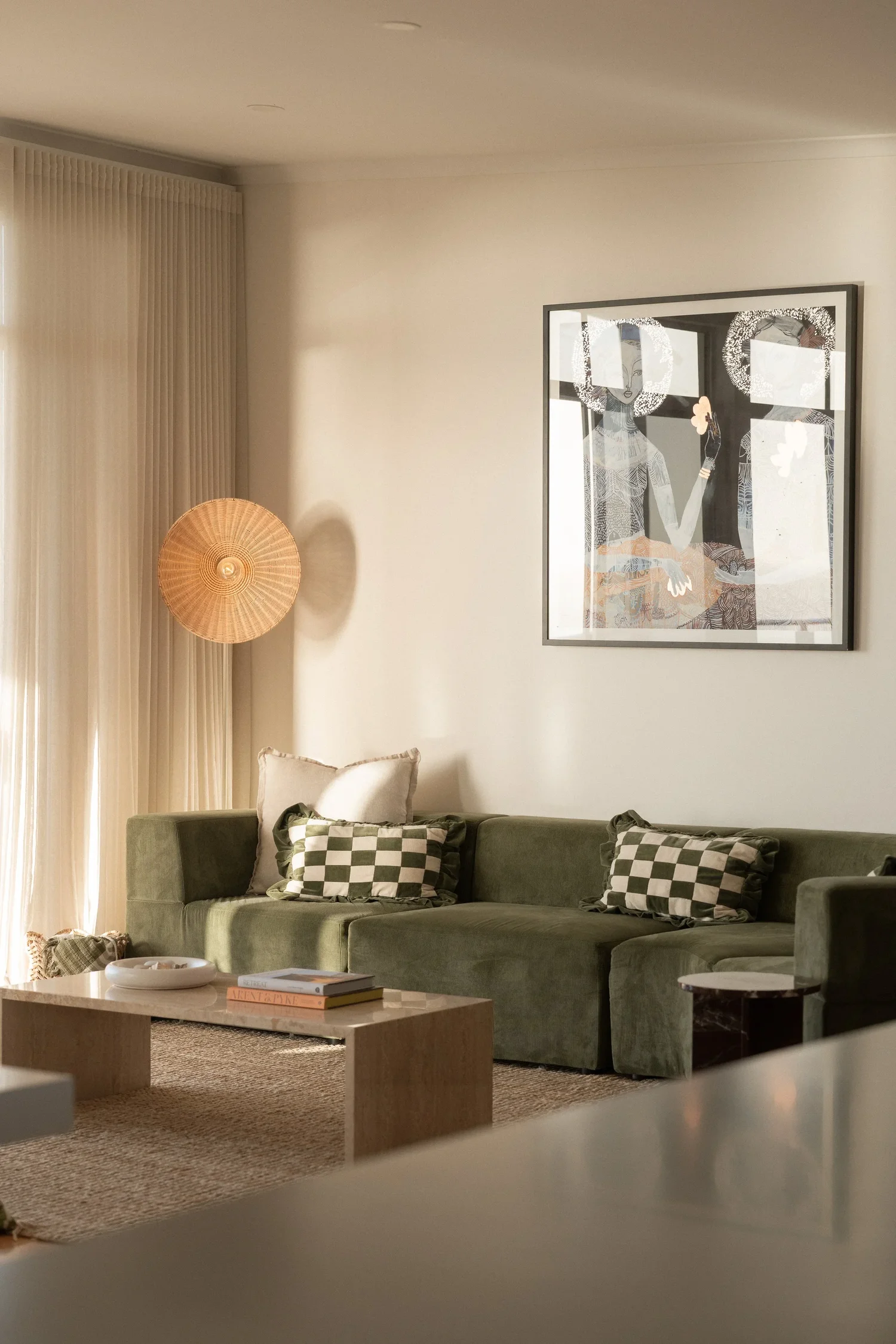
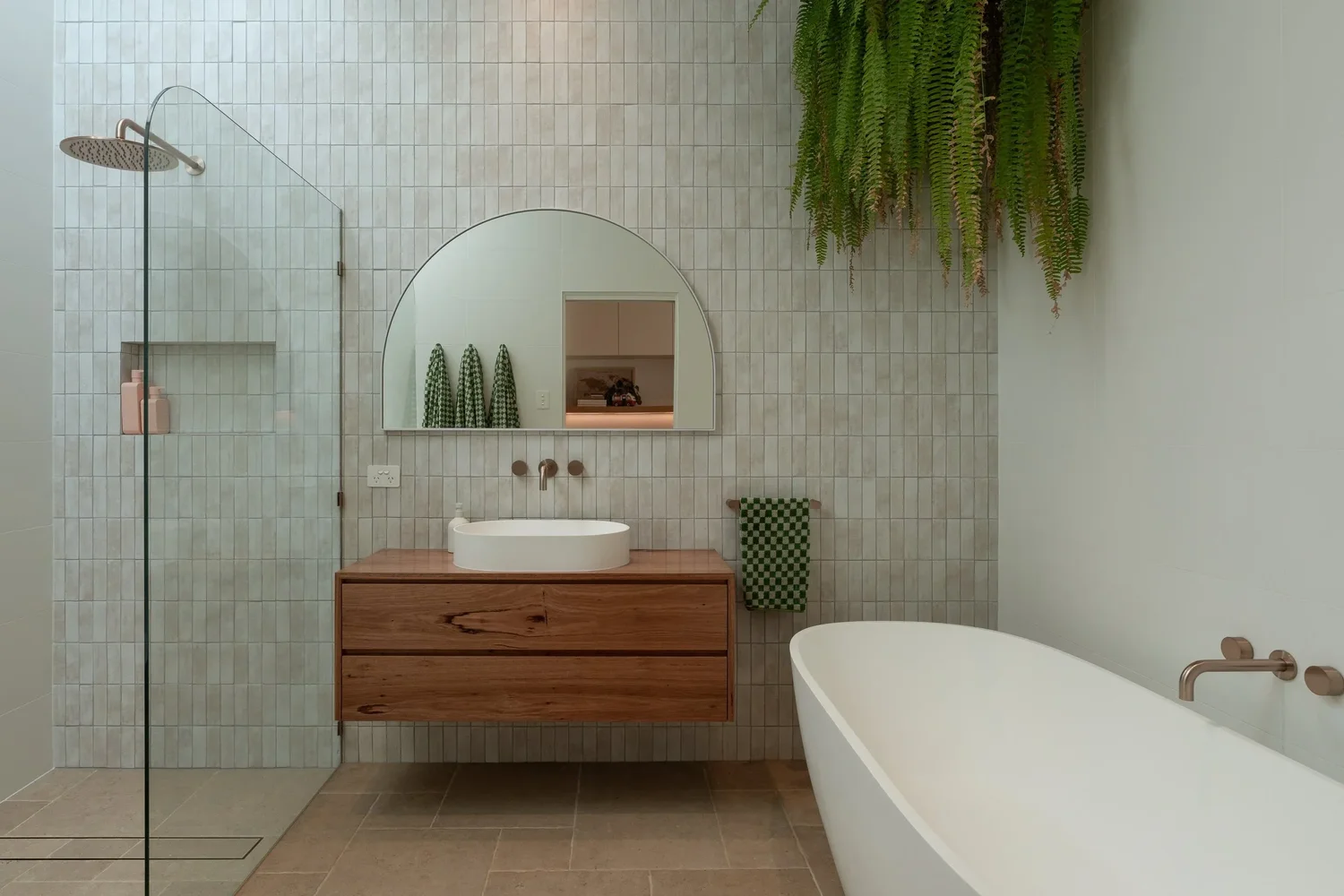
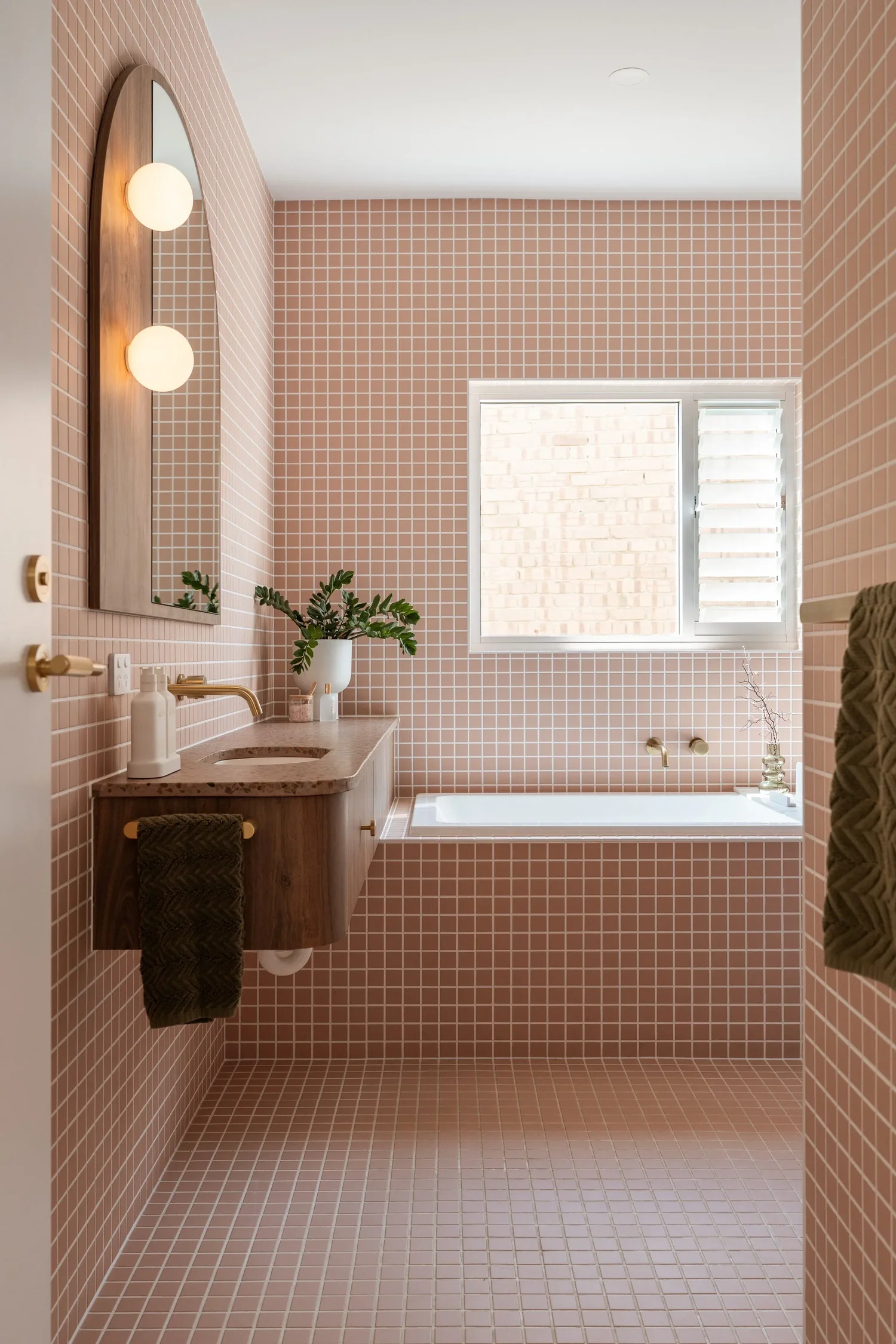
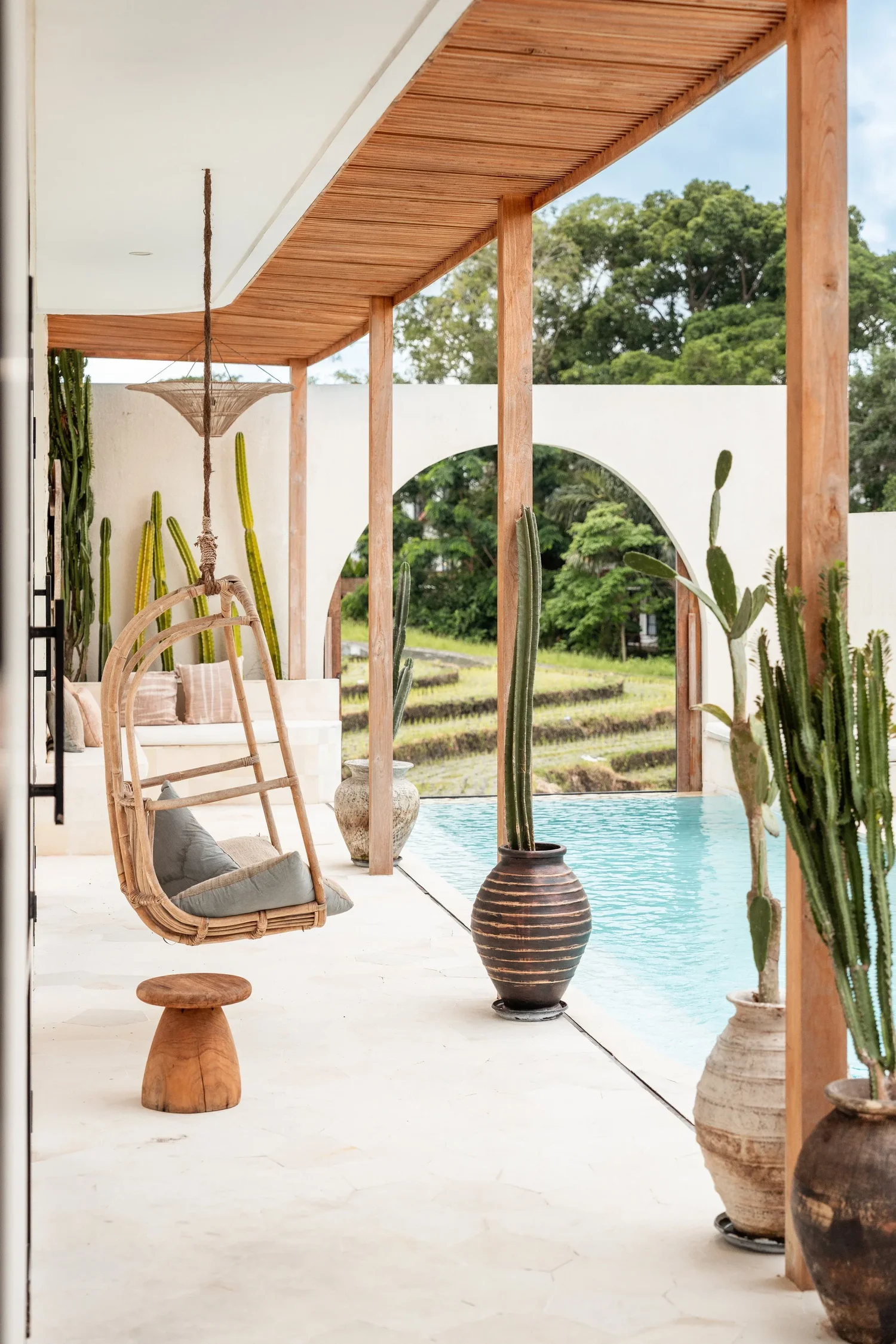
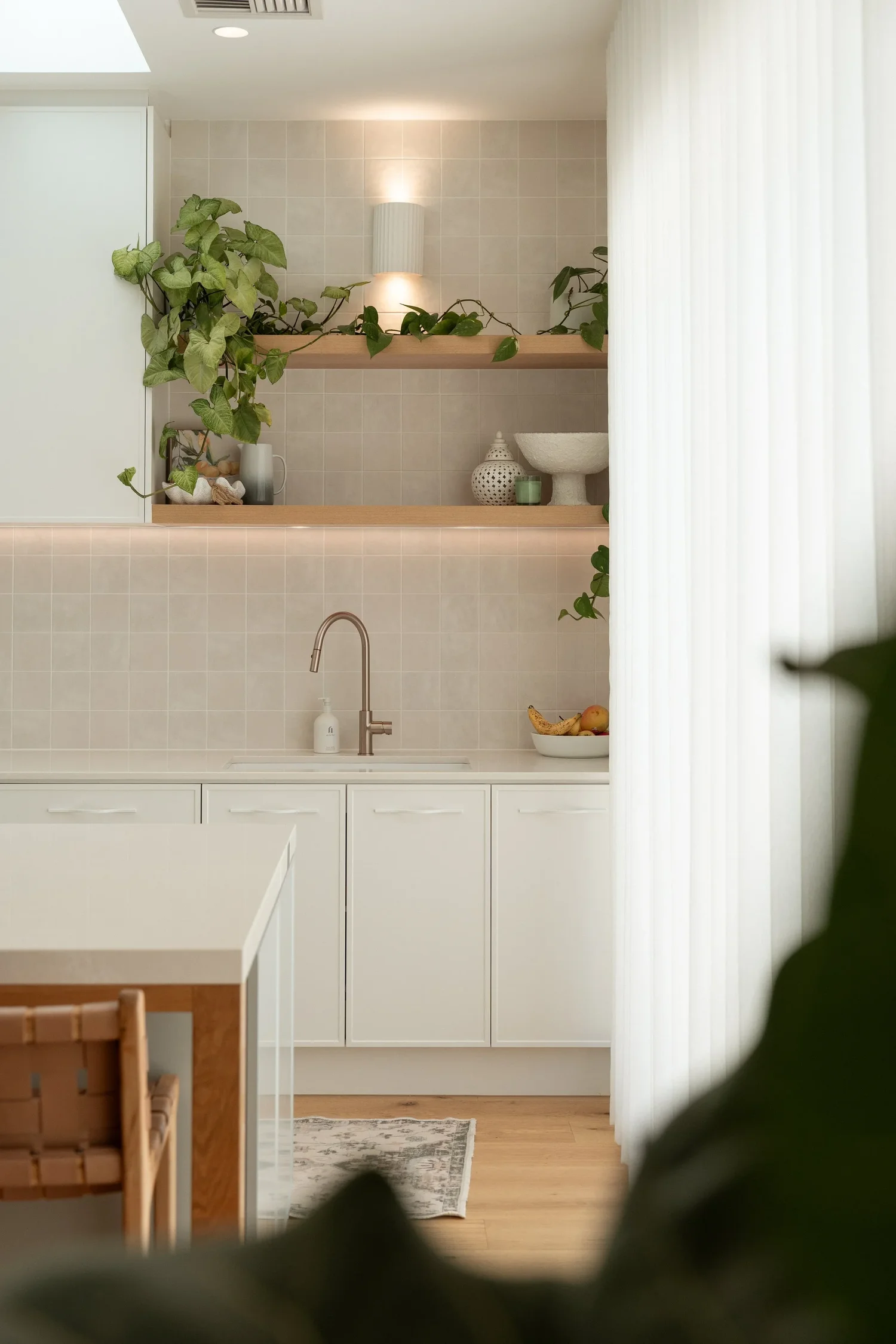
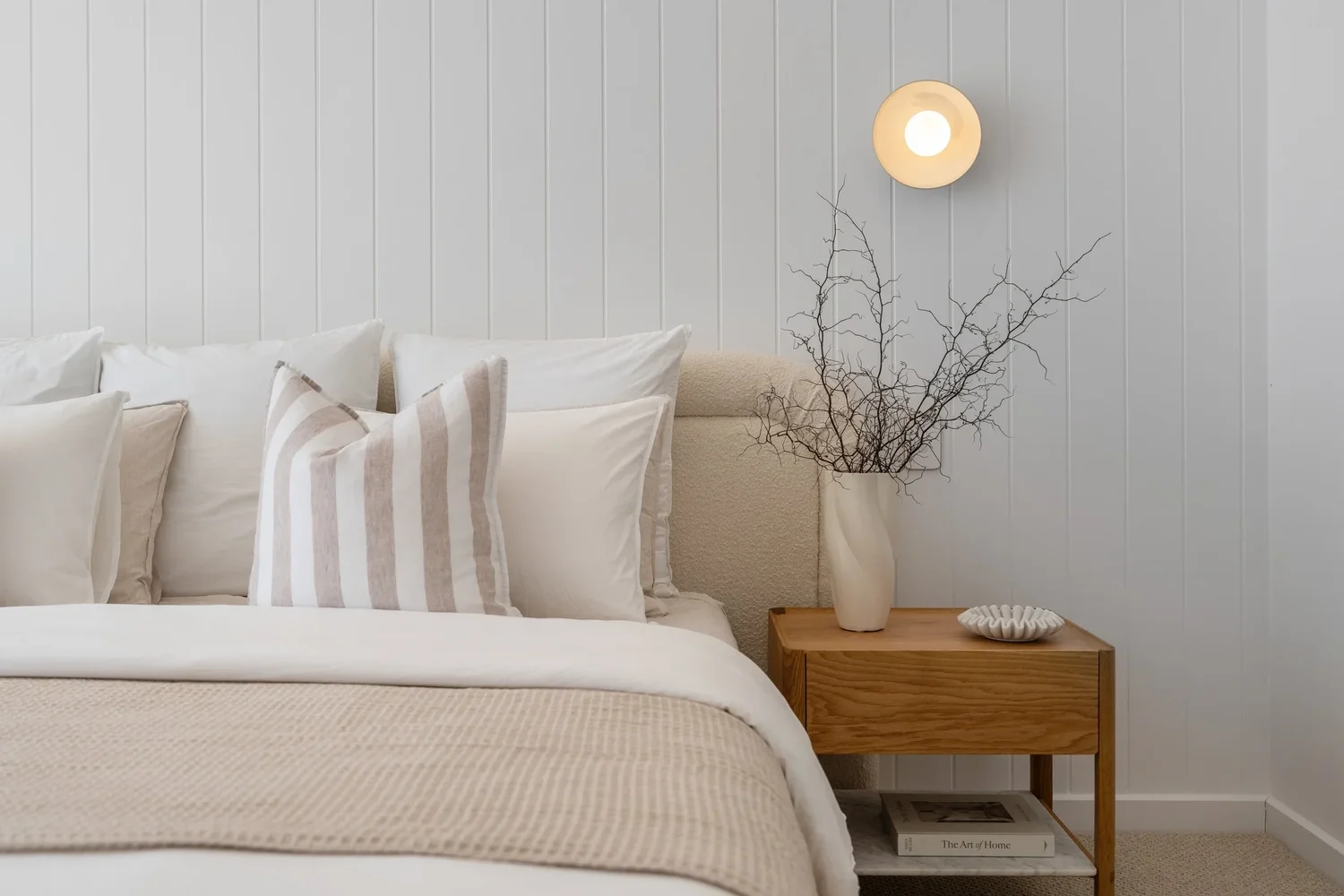
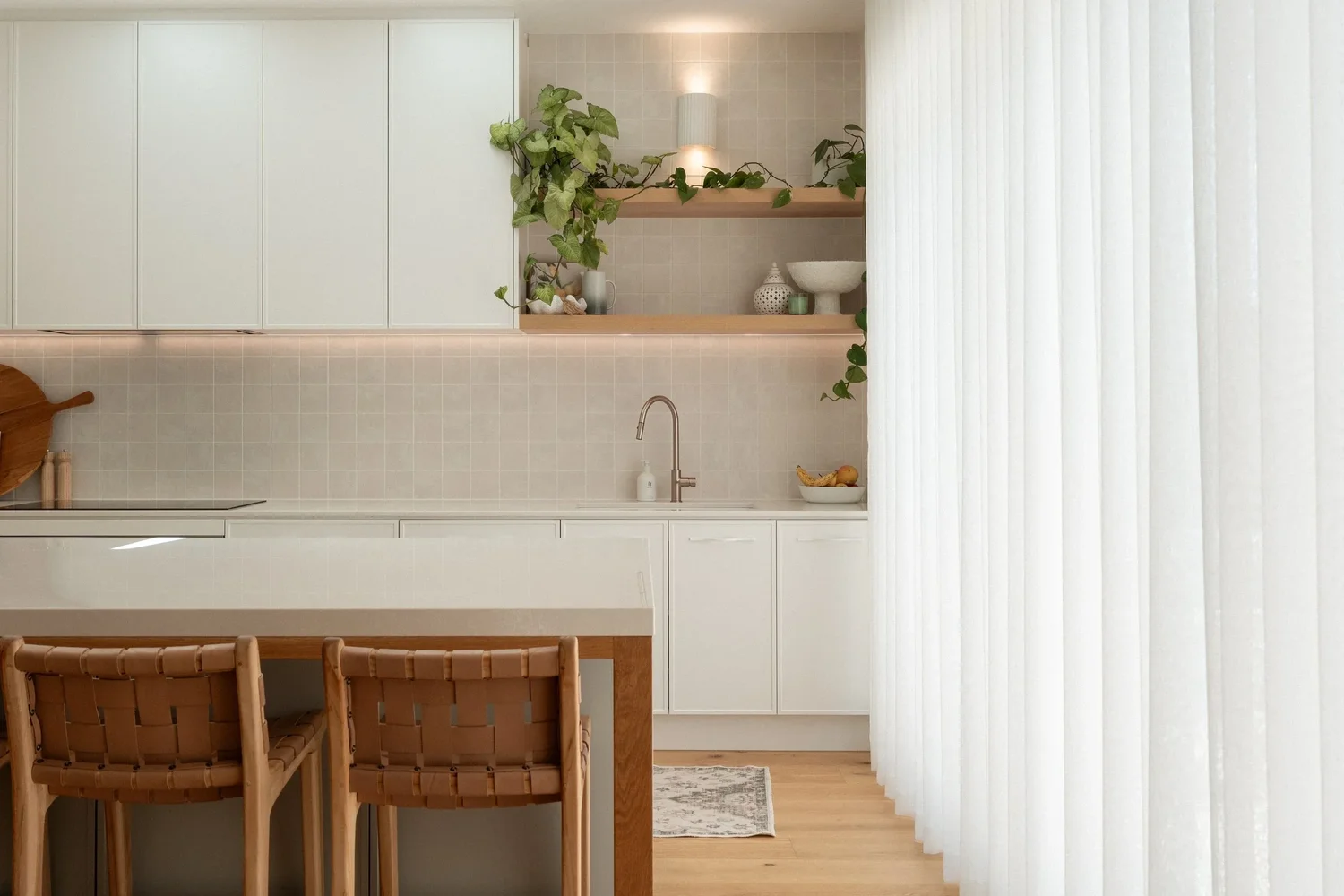
Real edits made with Master Tools, across different properties, looks, and lighting conditions.





What's in the system.
A. Base, 7 presets
Your tonal foundation, set before anything else touches the image. Seven starting points, from a high-impact dynamic boost that recovers a tricky HDR bracket, through to a quieter, editorial matte for spaces that don't need the drama turned up. Pick the Base that suits the room, not a single default forced onto every shot.
B. Look, 9 presets
Colour and mood, handled completely separately from exposure. Nine directions: warm and grounded for a cosy interior, crisp and coastal for a beach house, vibrant and confident for a listing that needs to stop the scroll. Swap a Look without disturbing the Base underneath it.
C. Light, 3 presets
Three subtle tools for how the light in a room actually feels: highlight warmth, a soft global glow, and a softer glow on highlights alone. None are essential, all of them are the difference between a good edit and one that looks considered.
D. Touch, 4 presets
Grain in three strengths plus a light vignette, for the analogue depth and finish that separates a professional gallery from a phone snap. Applied with restraint, so the polish stays intact.
E. Mask, 2 presets
Two targeted fixes for the problems that slow every property shoot down. Sky Saver pulls back a blown-out window without touching the rest of the frame. Wall Desaturation kills a competing colour cast on a wall or ceiling. Both apply precisely, nowhere else.
F. Utility, 3 presets
The workflow tools that keep the whole system flexible. Reset your Base without losing your Look. Swap a colour grade without starting the edit over. Built so you never have to backtrack.
The Master Tools Guide
A 16-page PDF walking through the full layer system, the combinations that work for different property types, and a dedicated HDR and window pull workflow. You're editing with a plan from the first preset, not guessing your way through the folder.
Built for the way you actually shoot.
Luxury tones that hold across rooms
Built for the layered light of premium short-term rentals, not generic home shoots.
HDR, window pull, and bracket ready
Built to handle the exposures that define interior and property photography, without losing colour.
Adaptable across property types
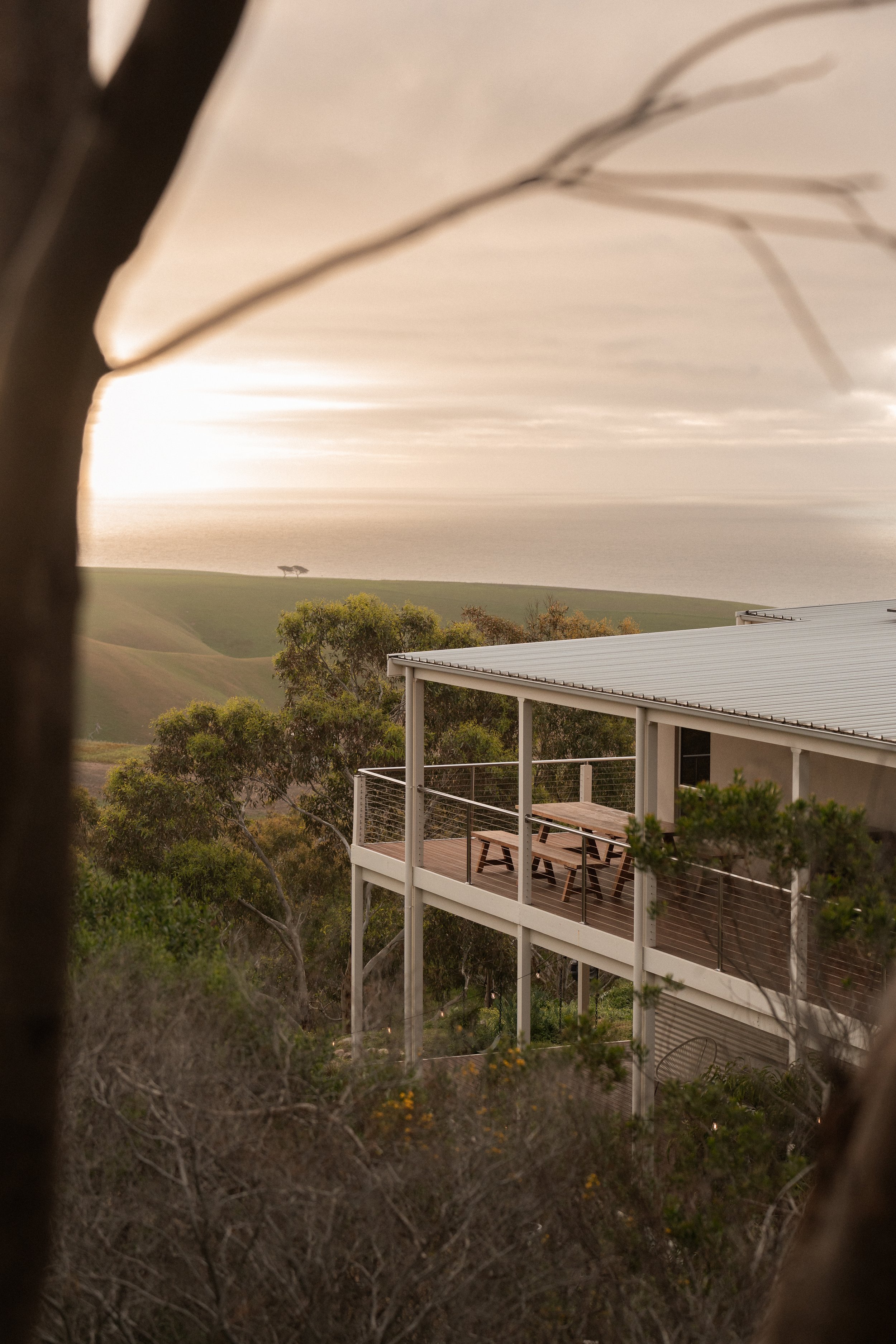
From minimalist interiors to warmly styled retreats, one consistent foundation to refine, not a fresh start every job.
Refined on real client shoots
Built through actual Airbnb, short-term rental, and luxury property work across hundreds of properties, not test shots.
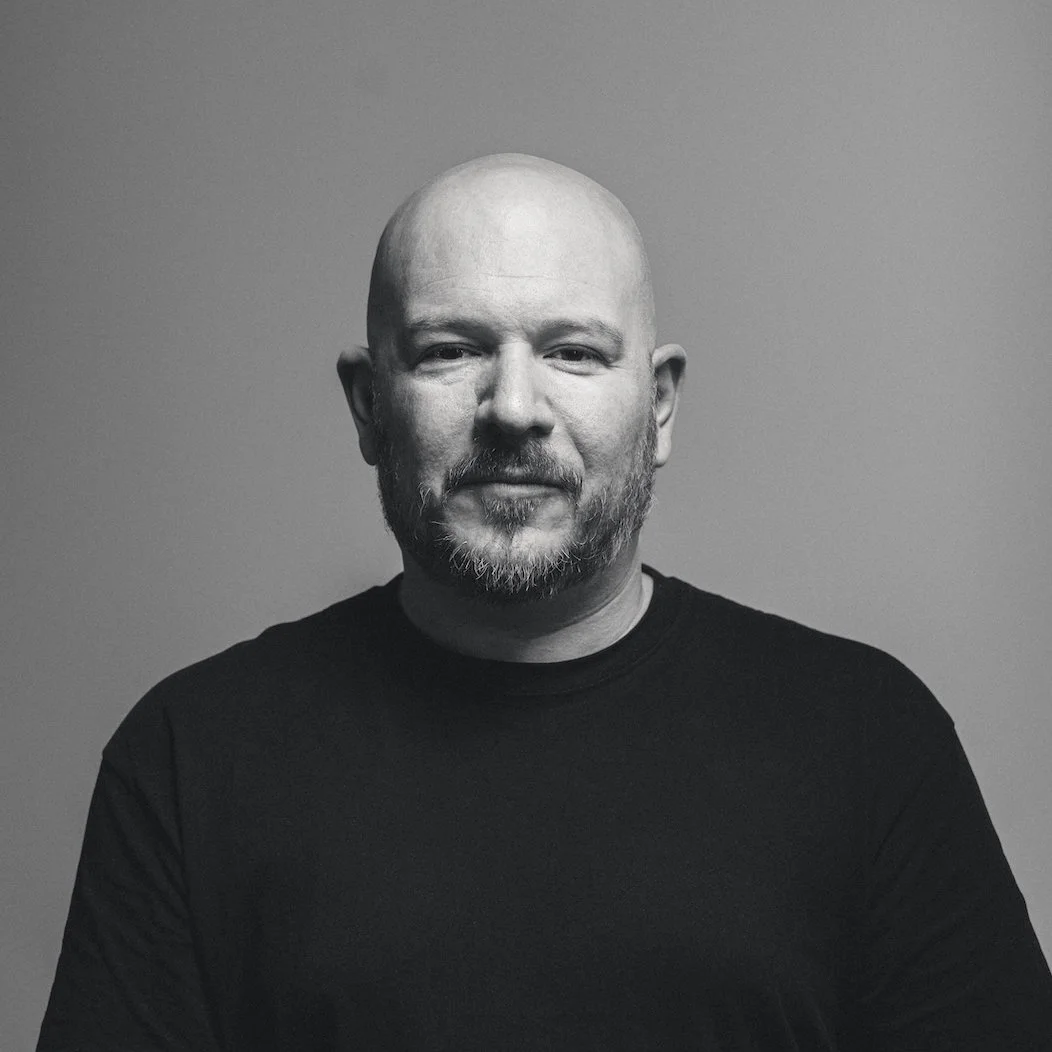
The more short-term rental and luxury properties I shot, the clearer it became. Generic presets couldn't keep up. So I built something that could.
I'm Jem Lang, a photographer based in Adelaide. I've spent years shooting Airbnb and short-term rental properties across South Australia, plus luxury interior work, and I know the technical demands both bring. Master Tools came out of real shoots, not test conditions, built to give you a consistent, professional foundation for every property, every time.
8
Years shooting short-term rental and luxury property photography
28
Presets in the system, across six purpose-built categories
1
Person editing every property this system was built on
Refined on real, paid work across boutique stays, luxury interiors, and property management portfolios, not on stock photos or someone else's sample gallery.
What a filter can't do.
Handles exposure and colour together, one setting drags the other along with it
Base and Look are separate layers, adjust one without touching the other
One look, forced onto every property regardless of light or style
Nine Looks and seven Bases to match the space in front of you
Falls apart on a tricky HDR bracket or a blown-out window
Built around HDR, window pull, and bracket shooting from day one
Built for general photography, not property specifically
Built and tested only on short-term rental, luxury property, and interiors
What version of Lightroom do I need?
Master Tools is built for Lightroom Classic and Lightroom CC Desktop, where the full system performs at its best. It also works in Lightroom Mobile, though a couple of the Look presets use the Calibration panel, which Mobile doesn't currently include.
How does the layered system work?
Master Tools works across six preset groups. Start with a Base preset for your tonal foundation, then apply a Look for colour and mood, completely independent of the Base. From there, optional Light, Touch, Mask and Utility presets let you refine and finish without undoing earlier work. Each layer has one job, so your edit stays precise and easy to adjust at any point.
Will these work in different lighting conditions?
Yes. Master Tools was built around real property shooting conditions, HDR, window pull, and bracketed exposures included. It's designed for the situations you actually run into on the job.
How is it delivered?
Instantly. You'll get the download link straight after purchase, no waiting on me.
Is this suitable for luxury real estate?
Yes. Master Tools was built for high-end interiors and luxury property work just as much as Airbnb and short-term rentals. The tonal approach holds across minimalist, warm, and richly styled spaces.
How do I install them?
Master Tools comes as a .zip file. Unzip it, then import the presets into Lightroom Classic through the Preset panel (right-click, Import Presets, done). Full steps are in the Master Tools Guide.
Do they work with JPEG files, or only RAW?
Both. RAW gives you more room to move, particularly with the Base presets, but the system holds up well on JPEGs too. If you're shooting JPEG, start with a more subtle Base and build from there.
How many presets are included?
28 presets across six groups, 7 Base, 9 Look, 3 Light, 4 Touch, 2 Mask, 3 Utility, plus the 16-page Master Tools Guide.
Can I use Master Tools across multiple computers?
Yes. It's yours to install on your own devices, desktop, laptop, or both.
Do I need editing experience to use it?
Not advanced experience, but some familiarity with Lightroom Classic helps. If you know how to adjust exposure and white balance, you're ready, and the Master Tools Guide walks you through the rest.
Is Master Tools or Jem Lang Media affiliated with Airbnb?
No. Master Tools is an independent product. Jem Lang Media isn't affiliated with, endorsed by, or associated with Airbnb, Inc. References to Airbnb on this page describe the short-term rental market, not any partnership.
No subscription. Use Master Tools on every shoot from here.
This isn't a preset pack. It's a system.
Most preset packs give you a one-click filter and leave you fighting the result. Master Tools was built differently, around a single principle that changes the way you edit: tones and colour are handled separately.
That means every stage of your edit has a clear role. You build from the foundation up, with full control at every step. The result is consistent, high-end work that makes every property look like it's worth booking.
Your first edit takes 30 seconds
Apply a Base, set your exposure and white balance, choose a Look, then layer in Light, Touch, and finishing tools as needed.
You can swap your Base or Look at any point without breaking your edit.
Built for Lightroom Classic & Lightroom CC Desktop
Master Tools is built for Lightroom Classic and Lightroom CC Desktop, where the full system performs at its best. It also runs in Lightroom Mobile. A few of the Look presets use the Colour Calibration panel, which Mobile doesn't yet include, so those apply with a minor variation. The look still holds, and the rest of the system works exactly as designed.
Who this is for
Master Tools is for property photographers who are done settling for inconsistent results. Whether you shoot short-term rentals, luxury real estate, or high-end interiors, if your editing needs to match the standard of the spaces you shoot, this is the system that gets you there.
If your clients need images that stand out in a crowded market and actually drive bookings or sales, this was built for you.
It also works beautifully for high-end interior and luxury real estate photography.
Consistent. Refined. Professional.
Crafted by Jem Lang | jemlangmedia.com